QNX Lab - COEN320
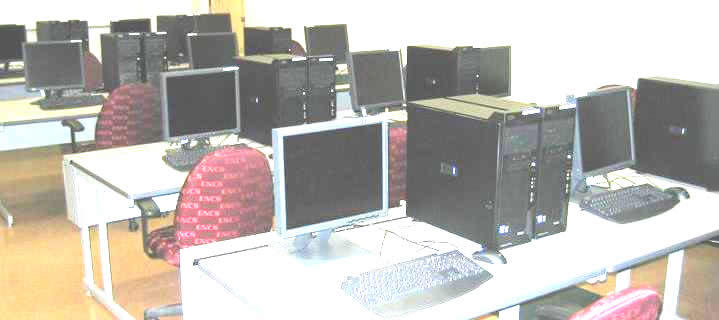
ECE real-time package is mergered into GCS public computer labs. This package includes QNX® SDP 7.1, which is a comprehensive software platform for mission-critical embedded systems and their long lifecycles. It includes the latest QNX® Neutrino® Real-Time OS, QNX® Momentics® Tool Suite and QNX Software Center to provide a full-featured, microkernel real-time operating system (RTOS) for ARM and x86 platforms. It also includes two networking stacks: Standard Networking to support basic networking requirements and a High-Performance Networking stack to support complex networking requirements that are demanded by high-performance computing platforms.
Lab access
If you are in the campus, you can access GCS public computer labs by using the doorcode. ,
Lab User Guide
- How to Setup QNX v7.1 Real-time Environment on Your Own Computer(2023).
- How to run QNX on GCS public computer
- Five Steps to Developing a QNX Neutrino Program: Quickstart Guide
- QNX® Neutrino® Realtime Operating System
- QNX Momentics IDE User's Guide
- Programmer's guide - QNX Software Systems
Problem report
Any QNX problems, your account, realtime home directory, QNX system, etc, you can contact Mr. Li, Dan
.